
Those old CDs hold family photos you haven’t seen in 20 years
Key Takeaways
- Transferring photos from CDs to USB flash drives preserves cherished memories you might otherwise forget.
- ScanMyPhotos offers a service called Disc Rescue to help customers transfer JPEG photos from old CDs and DVDs.
- To use Disc Rescue, send up to 25 readable discs and receive the photos on a USB flash drive for easy access and sharing.
- Disc Rescue focuses on accessible JPEG photos, not on repairing damaged discs or recovering deleted files.
- Remember to make additional backups after transferring your photos to keep them accessible.
- Instant ordering.
Estimated reading time: 8 minute
Have you noticed new laptops don’t even have CD or DVD drives anymore? That made sense when everything moved online, except millions of us still have old photo discs sitting in drawers that are suddenly a pain to open. So we added something new at ScanMyPhotos: we can transfer those old photo CDs and DVDs too, right along with the rest of your family archive.
Transferring photos from CDs to USB flash drives is a simple and handy way to keep your memories safe and accessible. Think about those old CDs or DVDs tucked away in a drawer, many of which might be labeled with things like “Vacation 2004,” “Christmas,” “Wedding,” “Baby Pictures,” or simply “PHOTOS.” It’s possible some of them have no writing at all, but all hold precious moments waiting to be rediscovered.
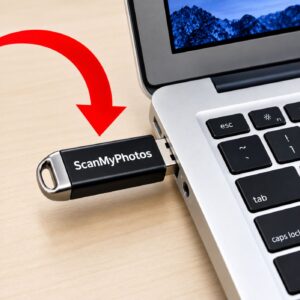
 That small disc might keep hundreds or even thousands of precious pictures—family photos, vacation memories, birthday celebrations, kids growing up, and loved ones. You may also find photos from a digital camera you haven’t used in years. The curious thing is, those pictures could still look perfect. The only challenge might be finding an easy way to view them now.
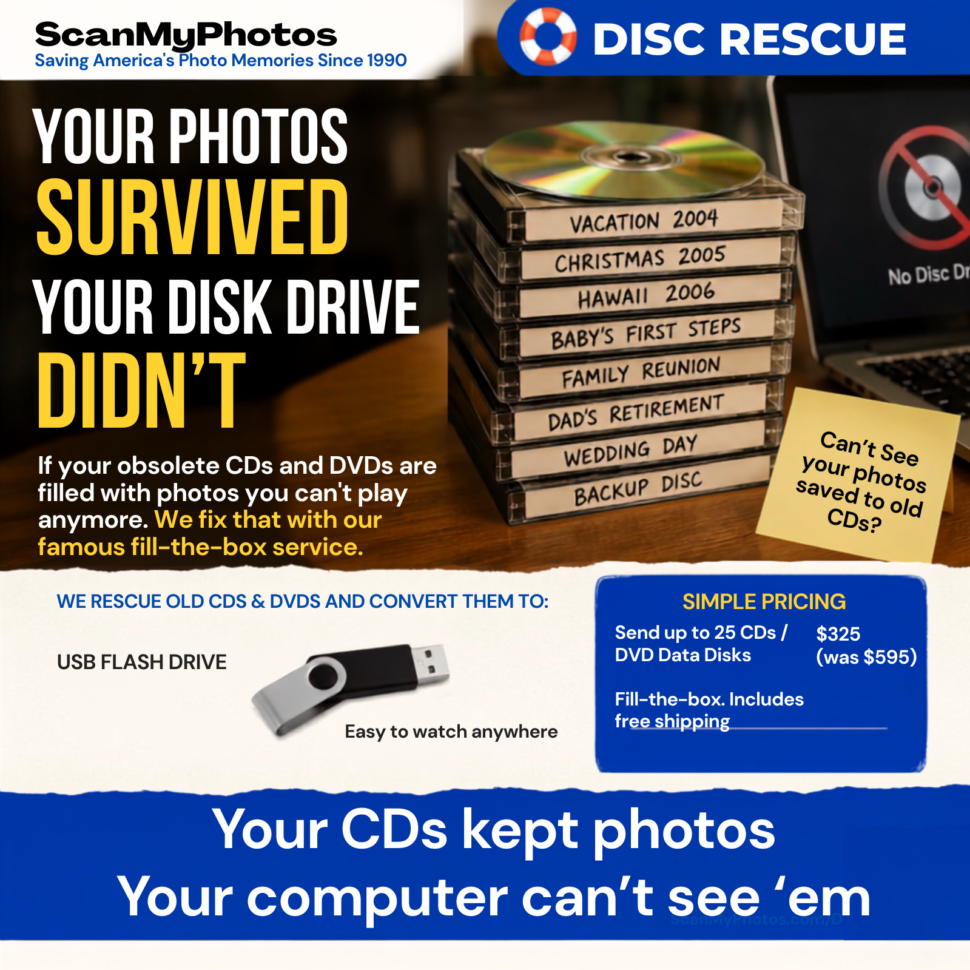
That’s the problem. For years, saving pictures to CDs and DVDs was completely normal. You copied the photos from your digital camera, burned them onto a disc, and put the disc somewhere safe. It felt permanent. It felt smart. It was a backup. Then the computers changed. Most newer computers no longer have an optical disc drive. The little CD and DVD tray that used to be on nearly every computer slowly disappeared. The discs stayed behind. So now we have a weird situation: people saved their pictures, but lost the easy way to open them.
The photos survived. The disc drive didn’t. That’s why we created Disc Rescue by ScanMyPhotos.
Here’s how it works: we’ll send you a box to fill with up to 25 standard, readable CDs or DVDs containing your JPEG photo files. Once you’ve packed them, just send the box back to us. We’ll transfer the accessible JPEG photos from those discs to a USB flash drive, making it easy to view, copy, back up, and share your memories.
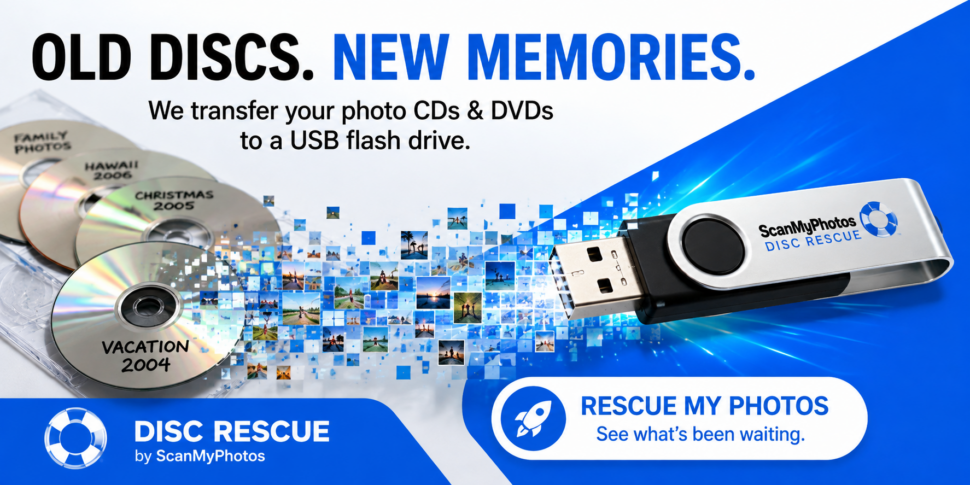
That is why ScanMyPhotos created a new service called Disc Rescue.
You don’t have to count the photographs. You don’t have to figure out how many files are on each disc. You don’t have to buy an external CD drive just to see what might be sitting on a pile of old discs. You don’t even have to know what is on every disc before you send them. I actually think that last part is the most interesting thing about this service.
Think about the way people labeled these discs years ago.
- “Summer 2005.”
- “Hawaii.”
- “Dad.”
- “Wedding.”
- “Backup.”
- “Pictures.”
At the time, those labels probably told you everything you needed to know. Twenty years later, they may tell you almost nothing.
- Then there are the blank discs.
- No label. No date. No clue.
- You can hold one in your hand and have absolutely no idea what is on it.
- Maybe nothing important.
- Maybe pictures you already have somewhere else.
- Or maybe there is a photo on that disc that nobody in your family has seen in 20 years.
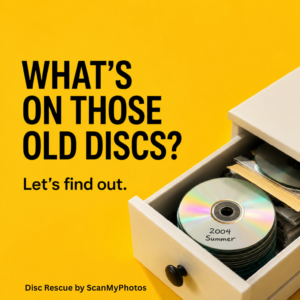
That’s why I don’t look at old CDs and DVDs as just old computer media. Some of them are unopened family photo albums. There is an important distinction here. Disc Rescue is not general computer data recovery. It is not damaged-disc repair. It is not deleted-file recovery. It is not designed to recover every document, program, video, audio file, or old computer backup stored on a disc.
Disc Rescue helps you recover cherished JPEG family photos from readable CD and DVD data discs. We understand that if your computer can’t open a disc, it doesn’t mean it’s broken—sometimes it just means your device no longer has the right drive. If a disc is unreadable, corrupted, or physically damaged, you might need a different kind of data recovery service. But with Disc Rescue, our focus is a simpler goal: helping you move those precious memories from old, unreadable discs to your current storage, so you can enjoy them today.
Once you transfer those photographs to the USB flash drive, the real fun starts.
- You can finally see them.
- You can copy them onto your computer. Send pictures to your family. Put favorites on your phone. Make prints. Create a photo book. Organize them with current photo software. Back them up somewhere else.
- You may even find pictures you completely forgot existed.
For decades, most conversations about photo preservation have been about taking something physical and turning it into something digital. Scan the print. Digitize the slide. Transfer the home movie. Get the family photographs out of the box before something happens to them. These old CDs present the opposite problem. The photographs were already digital and saved; they just got stranded on yesterday’s technology.
There’s an important lesson in that. Saving something once does not mean it will always be easy to access. A CD was modern storage once. A USB flash drive is modern storage now. Something else will eventually replace that too. So getting the pictures off the old discs should not be the end of the job. Once you can see the photographs again, make another copy. Keep them in more than one place. Don’t let today’s USB flash drive become tomorrow’s mystery disc.
And before you throw away an old CD or DVD because it looks useless, take another look.
- Look at the handwriting.
- Look at the date.
- Think about what camera you were using then.
- Think about where you were going.
- Think about who was there.
That disc might contain a birthday you forgot about. A trip you haven’t thought about in years. Your kids when they were little. Someone you miss. A completely ordinary photograph that feels very different now because so much time has passed. Sometimes the most exciting thing in photography isn’t taking another picture. Sometimes it’s finally seeing the ones you already took.
Send up to 25 qualifying old photo CDs or DVDs to Disc Rescue by ScanMyPhotos for $325 and find out what’s been sitting on those discs all these years. Pro tip everyone likes: Add your own AirTag-type GPS tracking device for real-time updates. It is returned with your completed order.

Frequently Asked Questions
- How do I get photos from an old CD? If the disc is still readable, you can copy its JPEG photo files to current storage, such as a computer or USB flash drive.
- Can photos from a CD be transferred to USB? Yes. You can copy existing JPEG photographs on a readable data CD to a USB flash drive.
- Does Disc Rescue repair damaged CDs? No. Disc Rescue transfers accessible standard JPEG photographs from qualifying readable CD and DVD data discs. It is not damaged-disc or forensic data recovery.
- Can I send DVDs containing JPEG photos? Yes, the service includes qualifying, readable DVD data discs containing standard JPEG photographs.
- How do I order CD transfer to flash drives? This link has all the details and a super-fast ordering.
Disc Rescue Guidelines
Disc Rescue by ScanMyPhotos is for standard data CDs and DVDs containing JPEG photo files.
Price: $325 (discounted from $595) for up to 25 discs.
When you order, we send you a box that holds up to 25 standard CDs or DVDs. Fill it with your discs and send it back. We transfer the JPEG photos we can access onto a USB flash drive. Here are a few important things to know before sending your discs.
JPEG photos only
Disc Rescue is for standard .jpg and .jpeg photo files. Please do not send videos, music, documents, software, computer backups, movie DVDs, music CDs, games, Blu-ray discs, or other types of files or media.
The discs must be readable
We can transfer only JPEG photos that our equipment can open and copy. Old CDs and DVDs sometimes stop working. A disc may be scratched, damaged, corrupted, blank, or simply unreadable after many years. If we cannot read a disc or access the JPEG photos on it, we can’t refund that disc or order.
We do not repair damaged discs
Disc Rescue is a photo transfer service and does not provide disc repair or specialized data recovery. Currently, only JPEG photos accessible on the disc are eligible for transfer. We cannot recover photos that have been deleted, erased, or lost.
Some photos may work while others do not
A disc can open even when one or more JPEG files are damaged. If we can access some of the photos but not others, we will transfer the JPEG photos we can successfully copy.
Mystery discs are welcome
You do not need to know exactly what is on every disc. If you find an old disc marked “Vacation 2004,” “Wedding,” “Dad,” “Pictures,” or nothing at all, you can send it. We just cannot promise that every disc contains JPEG photos or that every file will still be readable.
Please send only photos you are allowed to copy
The photos should belong to you, or you should have permission from the owner to copy them. Please do not send copyrighted material that you do not have permission to reproduce. Please also do not send illegal, harmful, offensive, or inappropriate material.
We copy your photos as they are
Disc Rescue moves your existing JPEG files from the old disc to a USB flash drive. We do not edit, restore, enhance, rename, sort, organize, or change the photos.
Each order holds up to 25 discs
You do not need to count the photographs. Just count the CDs and DVDs. Have more than 25? Simply order additional boxes.
If you have 100 CDs or DVDs, order four separate boxes. You can send them in separately within 9 months, or they expire.
Shipping and loss
We take great care with the discs you send us, but no shipping method is completely risk-free. ScanMyPhotos is not responsible for discs or other materials that are lost, damaged, or delayed while being transported by a shipping carrier. If materials are lost or damaged while in our care, our responsibility is limited to the remedy provided in the current ScanMyPhotos Terms of Service. We cannot compensate for the sentimental or emotional value of photographs, lost memories, or other indirect losses.
Make another backup
When you receive your USB flash drive, please make another copy of your photos. Save them on a computer, another drive, or another secure storage location. No important family photo collection should exist in only one place.
*** By ordering Disc Rescue, you also agree to the current ScanMyPhotos Terms of Service, including its copyright and limit of liability provisions.
[Updated on August 14, 2026].