
As a photo archivist, people ask me all the time what scanner they should buy for their old photos. Most of the time, I ask them something else first: how many photos do you have? If the answer is 50 or 100, I usually tell them to scan the pictures themselves. A decent flatbed scanner can do a terrific job, and there’s really no reason to send 50 photos to ScanMyPhotos.com just because I happen to own a photo scanning company.
If the answer is 10,000 photos, then it’s a completely different conversation.
I’ve been doing this since 1990. Back then, people brought us rolls of film. You dropped off the roll and had no idea what you got. Maybe somebody blinked. Maybe the picture was blurry. Maybe your finger was over the lens. You found out when you came back and picked up the prints. A lot of those same prints are now sitting in closets, drawers, albums, and shoeboxes all over the country. After 36 years, I’ve become convinced that the biggest problem people have with scanning old photos usually has very little to do with the scanner itself. The real problem is that people keep putting it off.
I understand why. You open a box because today is finally going to be the day you deal with the pictures. Then you start looking at them. There’s your first house. There’s your dad looking impossibly young. There’s a vacation you haven’t thought about in years. Then somebody appears in a picture, and nobody knows who it is.
At that point, the scanning project is pretty much over.
Now you’re sorting. Keep this one. That one is a duplicate. What year was this? Who’s standing next to Grandma? Was this before they moved? Is that 1978 or 1979? Before long, the dining room table is covered with photographs, and you haven’t scanned anything. If there’s one thing I wish more people understood, it’s that you do not have to organize every photograph before you digitize them. Scan the pictures first. Organize them later.
I’ve seen people turn organizing into such a huge project that nothing ever gets finished. They want every picture dated, identified, and put into perfect order before they start. Then months go by, and the same boxes are sitting in the same closet.
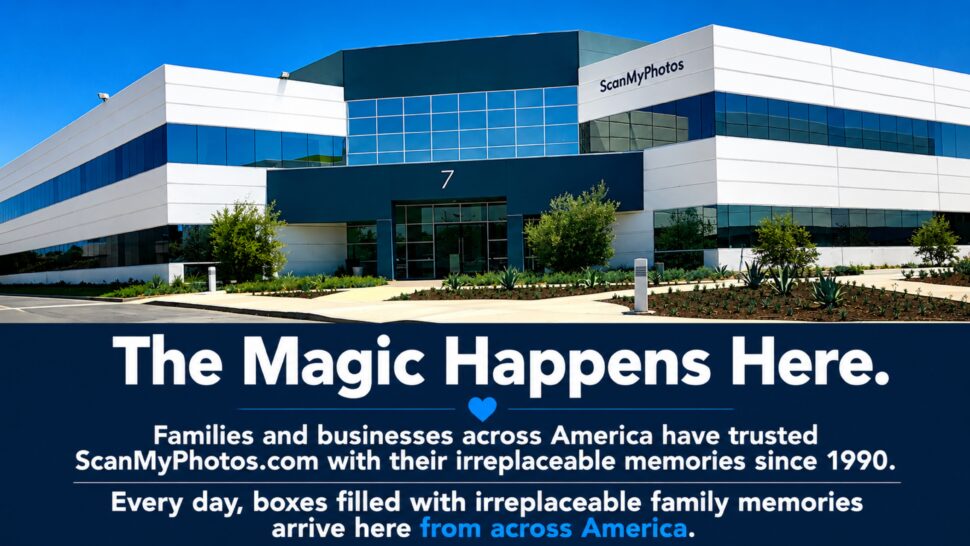
Bring those cherished old photos back into your family’s life with ScanMyPhotos.com. It’s a wonderful way to relive precious memories and share them with loved ones.
The technical part gets overcomplicated too. For ordinary printed photographs, 300 DPI is a practical starting point for viewing, sharing, and most normal uses. At 600 DPI, you’re capturing more information, which gives you more flexibility if you want to crop, enlarge, or restore a photograph later. DPI sounds more complicated than it really is. It just describes how much image information is being captured from each inch of the original photograph. Slides and negatives are different because the originals are so small. They need much higher scanning resolutions and equipment made for film.
Then there’s the question I hear constantly now: can I just use my phone? Sure.
If I find one old photograph and want to send it to somebody, I’m probably using my phone too. Take the picture, text it, done. But doing that with 4,000 photographs is another story. You have room light, glare, shadows, and the angle of the phone to deal with. One picture looks great, and the next one is slightly crooked or washed out.
That’s where a scanner makes a difference.
There’s no one-size-fits-all answer here. If you enjoy scanning and have just a few photos, go ahead and do it yourself—it can be a satisfying project. Just get a scanner and enjoy the process. But when your collection grows into the thousands, it’s helpful to remember something that often gets overlooked: your time. For example, scanning five thousand photos at just one minute each adds up to over 83 hours—all before you even start organizing, naming files, making backups, or doing anything else with those precious images. So, think about what works best for you and your collection.
This is where I see people get stuck. They research scanners. They read about JPEG versus TIFF. Then they compare 300 DPI and 600 DPI. Then they read reviews and compare prices. Sometimes they even buy the scanner.
And the photographs are still sitting in the closet. There’s another part of this that matters more to me now than it did when I started the business, and it has nothing to do with resolution.
Who’s in the picture? You can make a beautiful digital copy of a photograph and still lose the most important information in it. Your mother may know who that person is. Your uncle may know. Somebody who lived next door 50 years ago may know. Ten years from now, maybe nobody does.
That’s why I think people should spend less time worrying about building the perfect photo archive and more time asking questions while there are still people around who can answer them. Who is that? Where was this? Whose house was that? Why was Grandpa dressed like that? Those little answers are what make old photographs mean something.

A digital file can beautifully preserve your images, but it can’t tell your family’s story on its own— that’s up to you. After you finish scanning your photos, be sure to keep the originals safe and sound. It might seem unusual coming from someone who’s spent 36 years digitizing pictures, but I wouldn’t advise throwing away your family photos after scanning them. Remember, digital files aren’t foolproof—they can disappear too. Hard drives fail, computers get replaced, passwords are forgotten, and sometimes files get accidentally deleted. So, it’s a good idea to have multiple copies and not rely on just one USB drive hidden in a desk drawer to preserve your treasured family moments for generations to come.
People have asked me for years what the best way is to scan old photos. My answer today is different than it would have been when I started. Use a flatbed scanner. Use your phone for a few pictures. Buy equipment and do it yourself. If you have thousands, have somebody scan them for you. Any of those can be the right answer. What people get wrong is waiting for the perfect answer.
Another year goes by. Then another. So don’t start with every photograph your family has ever taken. Find one box and open it. If you come across somebody you don’t recognize, don’t put that picture into a pile marked “later.”
Ask somebody now. The photograph may still be there years from today. The person who knows the answer may not be.
[Revised August 11, 2026].