JPEG or TIFF: Which Should You Choose?
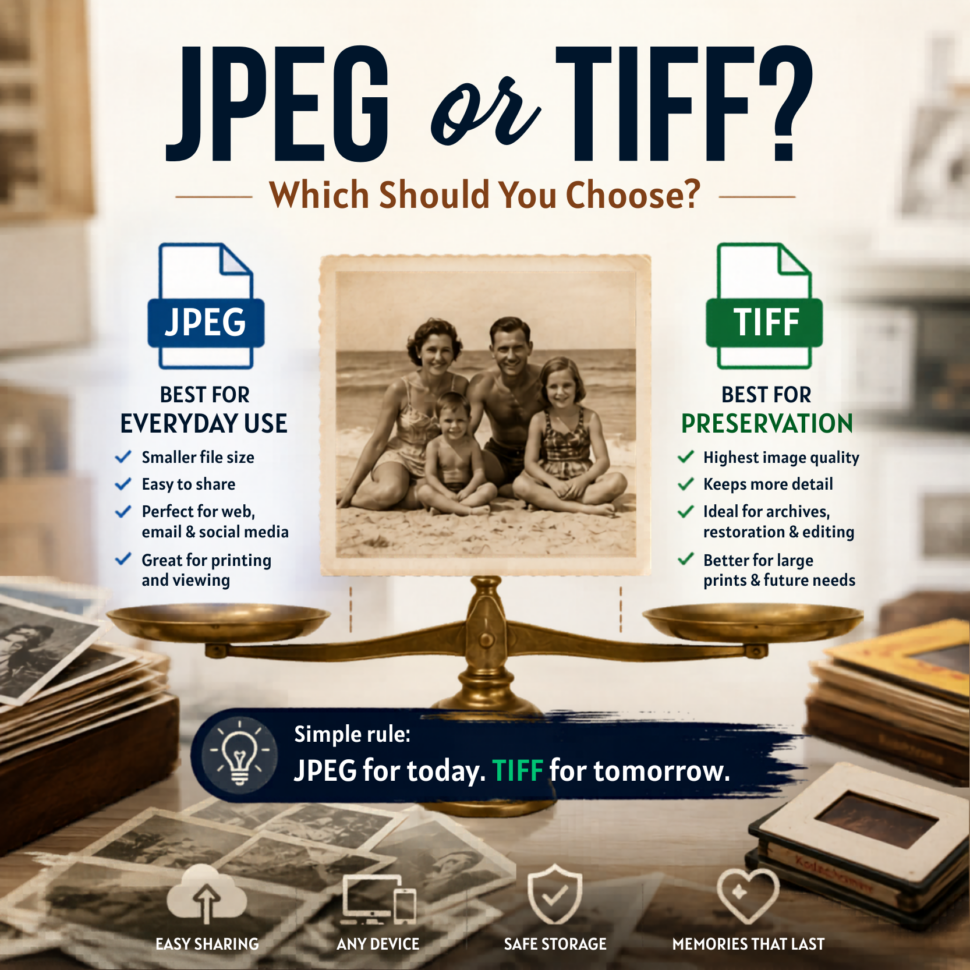
Discover the difference between JPEG and TIFF photo scanning and which format is best for preserving memories. JPEG is best for everyday photo sharing. TIFF is best for serious preservation. Here’s the plain-English difference before you scan old family photos.
As photo archivists, one of the most common questions people ask before scanning old photos is this: “Should I choose JPEG or TIFF?” It sounds technical, but it really comes down to one simple choice. JPEG is for enjoying the photos. TIFF is for preserving the scan. At ScanMyPhotos, we hear this question all the time because people do not want to make the wrong decision with irreplaceable pictures. These are not random files. They are baby photos, wedding pictures, family vacations, military portraits, holiday tables, and the only good photo someone has of a parent or grandparent.
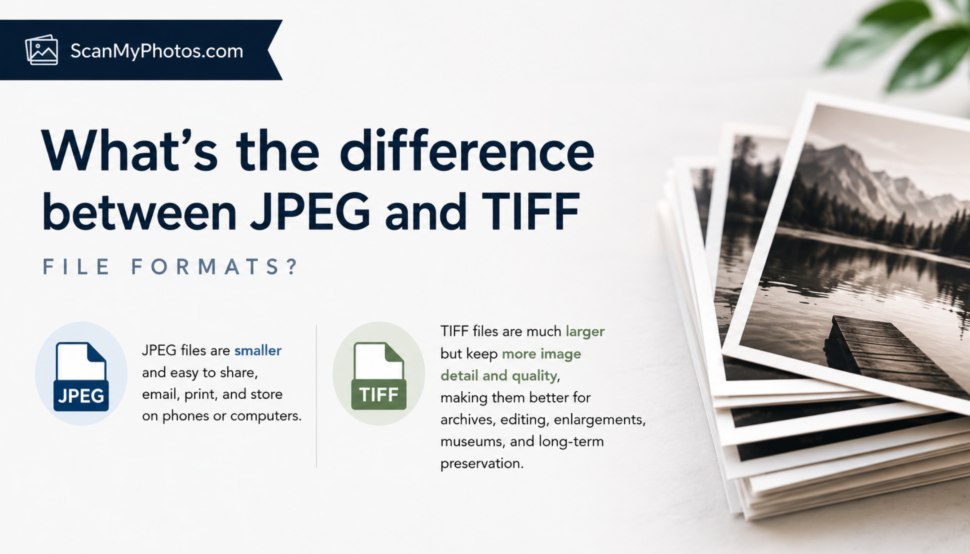
JPEG is the format most people already use every day. Your phone, digital camera, email, websites, photo apps, cloud albums, digital frames, and smart TVs all handle JPEGs easily. The files are smaller, faster to upload, easier to share, and much simpler to store. For most scanning projects, JPEG is the right answer.
A good JPEG scan gives you a beautiful, practical copy you can actually use. You can text it to your sister, add it to a family album, post it for a birthday, print it, back it up, or watch it on TV without needing giant hard drives.
TIFF is different. TIFF files are usually much larger because they can keep more image information from the scan. Preservation groups often prefer TIFF because it can support lossless image data, while JPEG is a lossy format that reduces file size by discarding some image information. That tradeoff is exactly why JPEG is so convenient and why TIFF is often used for archival work.
Think of it this way. JPEG is the copy you keep close and use often. TIFF is the master file you store because you may need every bit of image information later.
That matters if your photos are going into a museum archive, historical collection, publishing project, professional restoration workflow, or large-format print project. TIFF can also be useful when a photo may be edited many times because repeatedly editing and resaving JPEG files can reduce quality over time.
But TIFF also has a real downside. Storage. A large family scanning project saved as TIFF can become several times larger than the same project saved as JPEG. That may mean more cloud storage, external drives, slower transfers, and files that are less convenient for everyday family use. TIFFs are also not as friendly for web use and casual sharing as JPEGs.
So here is the honest advice.
- Choose JPEG if you want to see, share, organize, print, and enjoy your scanned photos without making the project complicated.
- Choose TIFF if the collection has archival, historical, publishing, restoration, or professional value and you are ready to manage much larger files.
Some customers choose both. They keep TIFF files as the preservation master and JPEGs as the everyday copies. That is a smart option when the collection is important enough to justify the added storage.
For most private collections, though, JPEG is not a compromise. It is the practical choice that helps the photos finally get seen again. That is the part people forget. The file format matters, but the bigger danger is letting the whole project stall because the choice feels confusing. Old photos sitting in boxes are not getting easier to protect. They are still exposed to fading, heat, moisture, moves, fires, floods, and simple family forgetfulness.
Choose the format that fits your memories best, then scan them before another year slips by
The best format is the one that matches what you will actually do with the photos.
- If you want to enjoy them, choose JPEG.
- If you need to preserve maximum scan data, choose TIFF.
And if the pictures truly matter, do not let the file format decision become the reason they stay hidden for another decade.

JPEG vs TIFF File FAQs
Is JPEG or TIFF better for scanning old photos? JPEG is better for most families because it is easy to view, share, store, and print. TIFF is better for archival preservation, restoration, publishing, or professional editing.
Does JPEG lose quality? JPEG uses lossy compression, which helps keep file sizes smaller. Simply viewing a JPEG does not ruin it, but repeatedly editing and saving it again can reduce image quality.
Why are TIFF files so large? TIFF files are larger because they can preserve more image data and can support lossless storage. That makes them useful for archives, but less convenient for everyday sharing.
Does ScanMyPhotos offer JPEG and TIFF? Yes. the photo scanning service offers both JPEG and TIFF options depending on whether your goal is everyday family use, long-term preservation, or archival-quality storage.
[Updated May 22, 2026]